
"Webhook.site Alternative: OtterKit vs Webhook.site Compared"
Webhook.site or OtterKit? Compare free limits, privacy, pricing, localhost replay and AI agent tools, with a clear guide to which one fits your job.
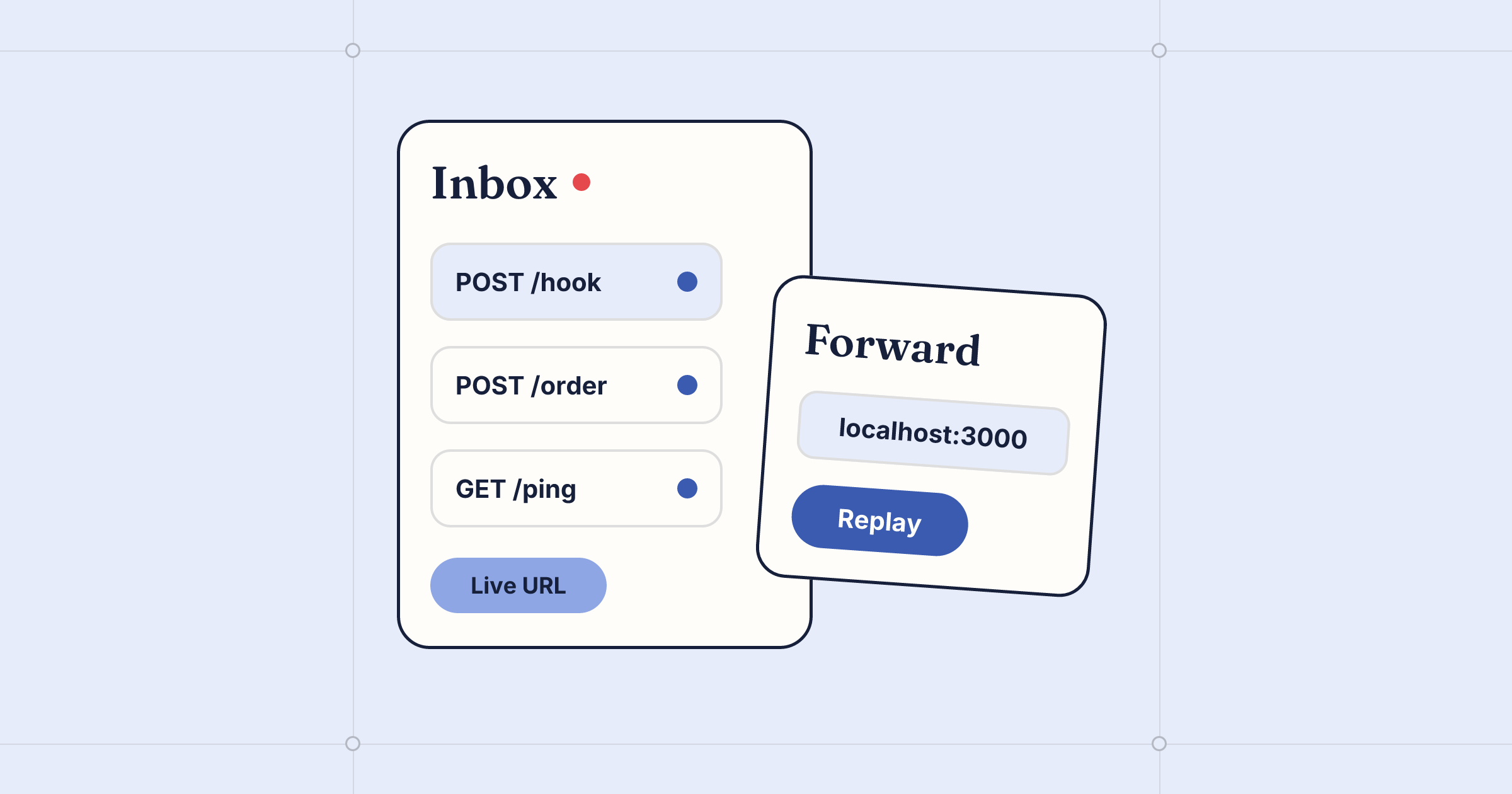
- Webhook.site is still easier for a quick look at a payload. Its free URLs need no signup and last 7 days. OtterKit's no-account URL lasts 30 minutes.
- OtterKit fits ongoing local development better. It replays captured requests to localhost for free, checks signatures from 16 providers and keeps answering while your laptop is closed.
- Neither free URL is private. Anyone who has the URL can see what was sent to it, so send only test data.
- The two charge in different ways. Webhook.site sells monthly plans starting at $9. OtterKit charges $0.01 for each hour an endpoint is live, and no endpoint costs more than $3 in any 30 days.
Pick Webhook.site if you want to read a few payloads without an account, need a URL that lasts a week, or want hosted workflows and team logins on a fixed monthly plan. Pick OtterKit if webhooks have to reach code on your laptop, an AI agent has to wait for them, or you want one stable URL that keeps answering when your machine is off. OtterKit bills by the hour with a $3 cap per endpoint.
Prices and plans below are as of November 2026. Every claim about Webhook.site links to Webhook.site's own pages.
OtterKit vs Webhook.site at a glance
| Webhook.site | OtterKit | |
|---|---|---|
| Account needed to start | No | No for the 30-minute try URL. Yes for anything longer |
| Free URL lifetime | 7 days, then the URL and its data are removed | 30 minutes on the try page |
| Free request cap | 100 (FAQ) or 50 (plan table) | 50 on the try URL |
| Who can read free captures | Anyone who knows the URL ID | Try URLs are public |
| Email address | Yes, an @emailhook.site address with each URL | Yes, <subdomain>@otterkit.app with --email (account needed) |
| Paid pricing | Basic $9/mo, Pro $19/mo, Enterprise $69/mo | $0.01 per live hour per endpoint, capped at $3 per 30 days. Prepaid credits, no subscription |
| Paid URLs and history | 1, 50 or unlimited URLs. Data stored 365 days | Cloud endpoints keep up to 10,000 captures. CLI endpoints keep a local log |
| Custom domain | Listed in plan features | Yes, with one CNAME |
| Replay captures to localhost | Not stated | Yes. Replay is free |
| Signature checks when requests arrive | Not stated | 16 provider presets, plus generic HMAC |
| AI agent tools (MCP) | Not stated | 23-tool MCP server |
| Team users, roles and SSO | Listed in plan features | Not covered in OtterKit's docs |
"Not stated" means the sources used here don't say either way. It doesn't mean the feature is missing.
Webhook.site: what it does well and where it stops
Webhook.site is quick to start. When you visit the site, you get a unique URL, a matching @emailhook.site email address and a wildcard DNS name, with no signup. If you only need to see what Stripe or GitHub sends, that's about as little setup as possible.
The free tier has three limits to know before you build on it:
- It expires. On the free version, a URL and its data are removed automatically after 7 days.
- It has a cap, and Webhook.site's own pages give two numbers. The FAQ says free URLs stop accepting new requests or emails after 100, and that upgrading the URL removes the limit. The plan table lists 50 requests per URL. Assume the lower number until you've checked.
- It's public. The free version has no login, so a URL's data can be read by anyone who knows its ID. Paid URLs are login-protected by default.
Few comparison pages mention what happens when a free URL runs out partway through an integration. The provider is still sending to that address, but the URL no longer captures anything. Once the URL is removed, its history goes with it. You then make a new URL and paste it into every provider again. For a one-time look this doesn't matter. For a week of debugging, it can.
The paid plans remove most of these limits. According to the plan details:
- Basic ($9/mo or $90/yr) gives you 1 URL.
- Pro ($19/mo or $190/yr) gives you 50 URLs.
- Enterprise ($69/mo or $699/yr) gives you unlimited URLs.
Prices are in USD and exclude VAT. Paid URLs never expire and their data is stored for 365 days. The visible history per URL is 1,000, 10,000 or 100,000 requests depending on the plan, and older requests are removed from time to time.
Paid plans also add tools for building on top of captured requests. The pricing page lists Custom Actions workflows, databases, custom URL aliases, CSV export, an API, schedules and queue profiles. Custom domains with SSL and users and roles with SSO also appear in the plan features, and there's a 14-day refund period.
Webhook.site is the better choice in these cases:
- a team needs one place to log in and view captures
- you need history kept for a year
- you want workflows that run on the captured data without writing your own server
OtterKit: what it does well and where it stops
OtterKit started as a way to give the agent on your laptop a public address. In practice it works as a webhook inspector that is also connected to your local code.
The no-account URL
The OtterKit try page gives you a live URL in the browser. It accepts any method on any path and answers with 200 {"received":true}. It shows each request's method, path, headers and full body as it arrives.
It lasts 30 minutes and captures up to 50 requests. That's shorter than Webhook.site's free URL. To keep the same URL, claim it with an account before the session ends. A claimed endpoint lasts 24 hours by default, or up to 7 days, or stays on permanently. It can take 100,000 requests every 30 days. You can also reserve a name, so the URL doesn't change.
Captures that reach your code
A plain inspector only shows you the request. With OtterKit, the provider is answered by OtterKit's servers, and you can get each capture to your local server:
npx otterkit webhook --subdomain stripe-dev --verify stripe:whsec_abc123If your handler crashes, Stripe still gets its 200 and the request stays in the log. After you fix the bug, replay the capture to your local port instead of triggering another test payment. You can do that from the Mac app, where you can also edit a field first, or with the request_replay MCP tool. If you'd rather have requests reach your server live, point a tunnel at the port with npx otterkit tunnel 3000.
Replaying is free. With --verify, each request is checked against the provider's signing secret as it arrives and marked valid, invalid or missing. There are presets for Stripe, GitHub, Shopify, Slack, Svix, Paddle, Linear, Twilio and others.
You can also set the response:
- status, body and headers
- a delay of up to 10 seconds
- rules that fail one path, so you can watch how the sender retries
The Webhooks docs list every option.
Nothing lost while the lid is closed
OtterKit's servers answer the endpoint whether or not your machine is connected. Requests that arrive while you're away are held. When you reconnect, they're added to your local log in order. Captures from CLI endpoints are saved on your machine. If you want history you can read from anywhere, use a cloud endpoint, which keeps up to 10,000 captures.
Built for agents and CI
otterkit await waits until the request you expect arrives, then exits 0. That makes it a simple trigger, wait, assert step in CI:
npx otterkit await stripe-dev --count 1AI agents get the same features as tools. The MCP server has 23 of them, including webhook_create, request_await, request_replay and event_send. An agent in Claude Code or Cursor can do the whole integration without you copying anything:
- create an endpoint
- give the URL to a provider
- wait for the event
- check its own handler
To add the server to Claude Code:
claude mcp add otterkit -- npx otterkit mcpWhere OtterKit stops
- The no-account URL lasts 30 minutes, not 7 days.
- The email inbox only receives mail. Messages over 5 MB bounce, and attachment contents aren't stored.
- Tunnels to localhost need your machine to be on. Webhook endpoints don't.
- Billing is per endpoint. One always-on endpoint costs at most $3 per 30 days. Many always-on endpoints add up, so if you need dozens of permanent URLs, compare the total with a flat plan.
How to decide, by situation
- You want to read one payload, once. Either works. Webhook.site gives you more time without an account.
- You'll debug a handler for days. OtterKit: use a stable subdomain, keep every capture and replay them to localhost for free.
- You test webhooks in CI. OtterKit's
awaitwaits for the webhook you expect before the step passes. - An AI agent does the integration work. OtterKit, through MCP.
- A team needs shared logins and a year of history. Webhook.site's paid plans list users, roles, SSO and 365-day storage.
- You want hosted workflows on captured data. Webhook.site's Custom Actions are built for this. OtterKit offers forwarding rules with templates or small scripts, which is narrower.
- You need to receive events in production while your machine is off. OtterKit's always-on endpoint gives you signature checks, forwarding and a $3 cap per 30 days.
What not to send to a public inspector
Both free URLs are readable by anyone who has the address. Use your provider's test mode and keep these off them:
- live payment events and real customer emails or addresses
- API keys, OAuth tokens or session cookies in headers
- anything a provider signs with a production secret
When you need real data, move to a URL that requires a login, or to a CLI endpoint whose captures stay on your machine.
Moving an existing integration over
- Create an endpoint with a reserved name, so you only paste the URL once:
npx otterkit webhook --daemon --subdomain stripe-dev --ttl never. - In Stripe, GitHub or another provider, replace the old URL with
https://stripe-dev.otterkit.app. - Stripe creates a separate signing secret for each endpoint. Copy the new one and pass it with
--verify. - Send one test event and confirm it shows up as valid.
- If you want to keep your old history and you're on a paid Webhook.site plan, export it as CSV before you stop using that URL.
FAQ
Is there a webhook.site alternative that needs no signup?
Yes. The OtterKit try page gives you a live URL with no account. It lasts 30 minutes and captures up to 50 requests. Claim it to keep the same URL.
Why did my free Webhook.site URL stop receiving requests?
According to Webhook.site's docs, free URLs stop accepting new requests after a fixed number of requests. The FAQ says 100 and the plan table says 50. Free URLs and their data are also removed after 7 days.
Can I send captured webhooks to localhost?
With OtterKit, yes. You can replay any stored capture to your local port for free, from the Mac app or with the request_replay MCP tool. You can also point a tunnel at the port so requests reach it live.
Which is cheaper for one URL that's always on?
OtterKit caps each endpoint at $3 per 30 days. Webhook.site's Basic plan is $9 a month for 1 URL and adds features OtterKit doesn't list, such as a year of stored history.
Do both give me an email address?
Yes. Webhook.site gives you an @emailhook.site address with each URL. OtterKit adds <subdomain>@otterkit.app to an endpoint when you use --email. Messages arrive as JSON in the same feed as your webhooks.
Keep reading
What Is a Webhook Endpoint? How to Set One Up in Minutes
A webhook endpoint is the public URL and code that receive event POSTs from Stripe or GitHub. What it must do, why endpoints miss events, and how to set one up.
Stripe Webhook Signature Verification, Explained with Code
How Stripe's webhook signature works, where to find your whsec signing secret, and how to verify it in Node and Python without the usual raw-body errors.
Free Webhook Tester: Get a Live URL and Inspect Requests
Get a live webhook URL in your browser with no account. Send test events from Stripe, GitHub or curl, read headers and bodies, and replay them to localhost.